
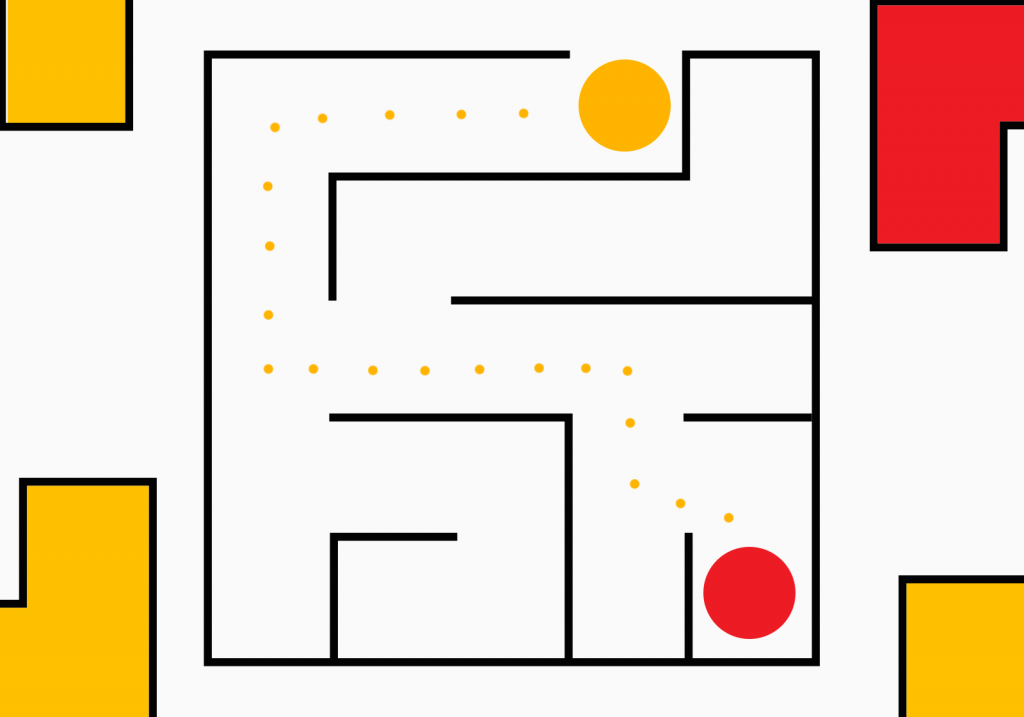
Maze with Scratch!
Activity description In this activity, you will create a game in the program Scratch on your computer. The goal is to help Pico figure out how to get through the maze to reach Giga! Let´s do it?
Activity description In this activity, you will create a game in the program Scratch on your computer. The goal is to help Pico figure out how to get through the maze to reach Giga! Let´s do it?
Activity description In this activity, you will create a game in Scratch using your computer. The player will receive points for each obstacle that Giga overcomes. Let’s do it?

Descrição da atividade Nesta atividade, vais criar um mapa mental sobre um tema atual na nossa Sociedade, as Alterações Climáticas, utilizando a ferramenta Padlet, através do teu computador. Vamos a isso?
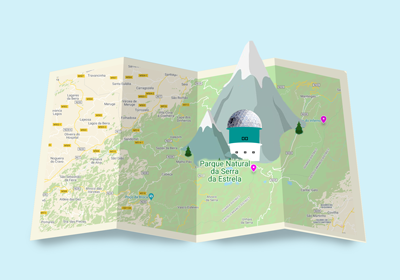
Descrição da atividade Nesta atividade, vais criar um mapa interativo da Serra da Estrela, utilizando a ferramenta Padlet, através do teu computador. Vamos a isso?
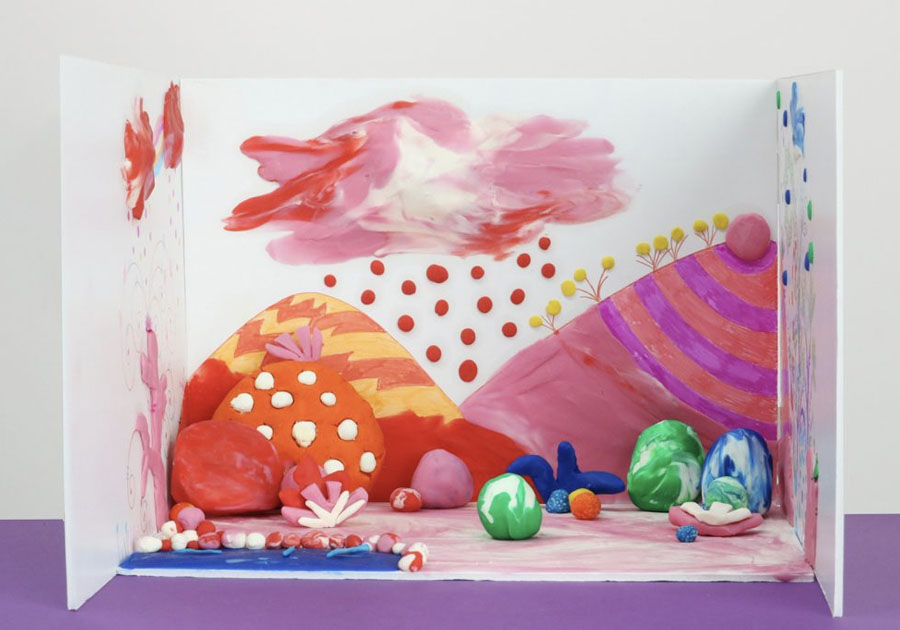
Activity description In this activity you will idealize, plan, make and edit an animation video in Stop Motion, using a smartphone or tablet with Android or iOS operating system. This activity will stimulate your creative thinking and storytelling skills. Let’s do it?

Activity description In this activity, you’ll learn how to build an electric circuit with LEDs and program your own traffic lights using the Tinkercad program. Let’s do it?
Activity description In this activity, you’ll learn to follow instructions with the Compute it programming game so you can take the ball to the right place using a computer. Let’s do it?
Activity description In this activity, you’ll learn to build an electric circuit through the Tinkercad program to connect a special, three-color LED using a computer. Let’s do it?
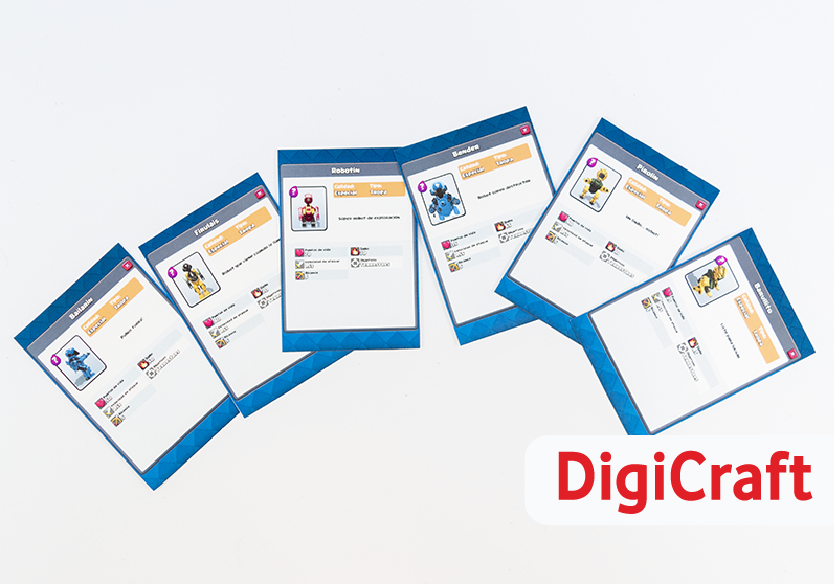
This content is property of Digicraft Programme by Vodafone Foundation Spain, and was adapted to the DigitALL Programme of Vodafone Foundation Portugal. Activity description In this activity, you’ll learn to design your own 3D robots and learn how you can see them in augmented reality using a tablet or smartphone with an Android operating system. …
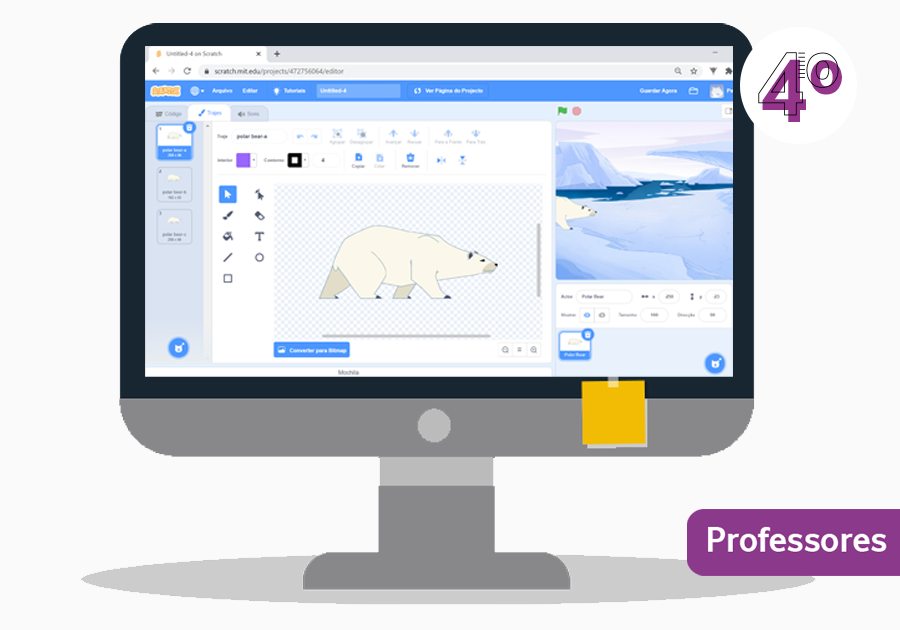
This basic module provides an introduction to programming and the visual programming language Scratch. After a warm-up, which clarifies important programming concepts, the surface of Scratch is explained and the students can explore it in teamwork.